
Searching Cases by Name
The Grundy County Online Court Records search handles Circuit Court and General Sessions. It offers Criminal and Civil options. Party Name takes up to 100 characters. The portal recommends a full first and last name. Match all search terms loads already checked, and Court Type and Case Type act as separate filters, so narrow both when the notice names them.
Lead with one solid fact. Finish the Turnstile check to activate Find Now, then compare likely matches. Only the first ten words in the name or reference field count. Broad searches can hit the 2,500-row display limit. The post-results filter is literal, with none of the main engine's phrase or typo logic.
- Open the county public search.
- Select Circuit or General Sessions.
- Select Criminal or Civil.
- Enter the full party name and original year if known.
- Complete verification and compare results.
| Field | Control | Use |
|---|---|---|
| Party Name / Case Reference | Text | Enter a name or reference, not both. |
| Case Year | Four-digit year | Use the original filing year. |
| Case Number | Text | Use the final numeric portion. |
| Court Type | Checkboxes | Circuit or General Sessions. |
| Case Type | Checkboxes | Criminal or Civil. |
Grundy Case Reference Tactics
The first field takes a party name or a case reference, never both. Enter an old notice's reference in Party Name / Case Reference. Punctuation can be dropped, since the portal normalizes text. Quoted phrases ignore case, and terms of at least five characters may get typo tolerance. The online clerk contact page lists the local office tied to the search.
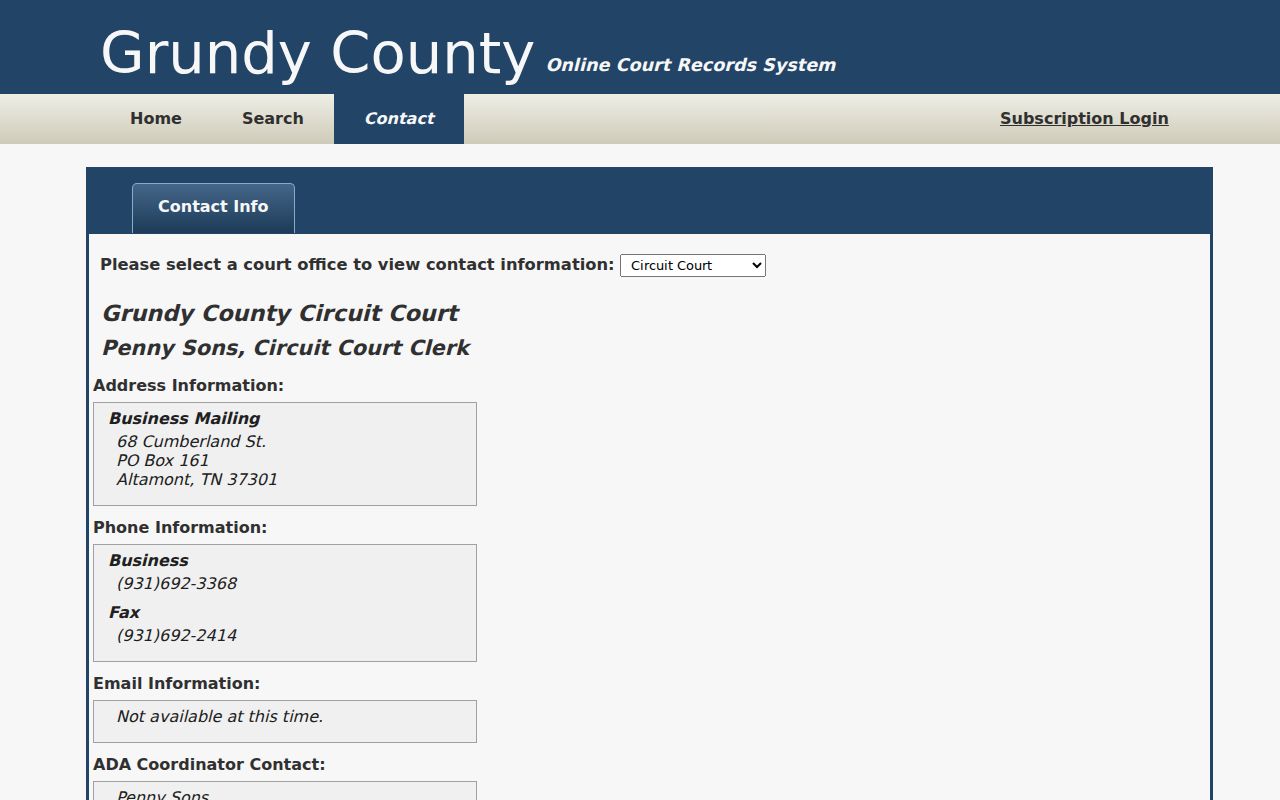
Call the clerk when an old reference will not resolve or a result needs confirming.
Searching by Case Number
A formatted local example is 99GS1-2023-CR-12345. Enter only 12345, the piece after the final hyphen, in Case Number. Case Year means the year the action began. It is not the year of the newest hearing or order.
If nothing matches, check the court on the notice. Try the reference field, and call Circuit Court Clerk Penny Sons. That office sits at 68 Cumberland Street, Suite 206, Altamont, telephone 931-692-3368. It keeps Circuit and General Sessions records and serves Juvenile functions too.
Grundy Search Limits Explained
The blank form checks the search controls, not every result field. The portal guarantees neither full historical coverage nor document images, and a hit is a route to the case rather than a certified file. The Grundy portal home keeps public searching apart from subscription login.
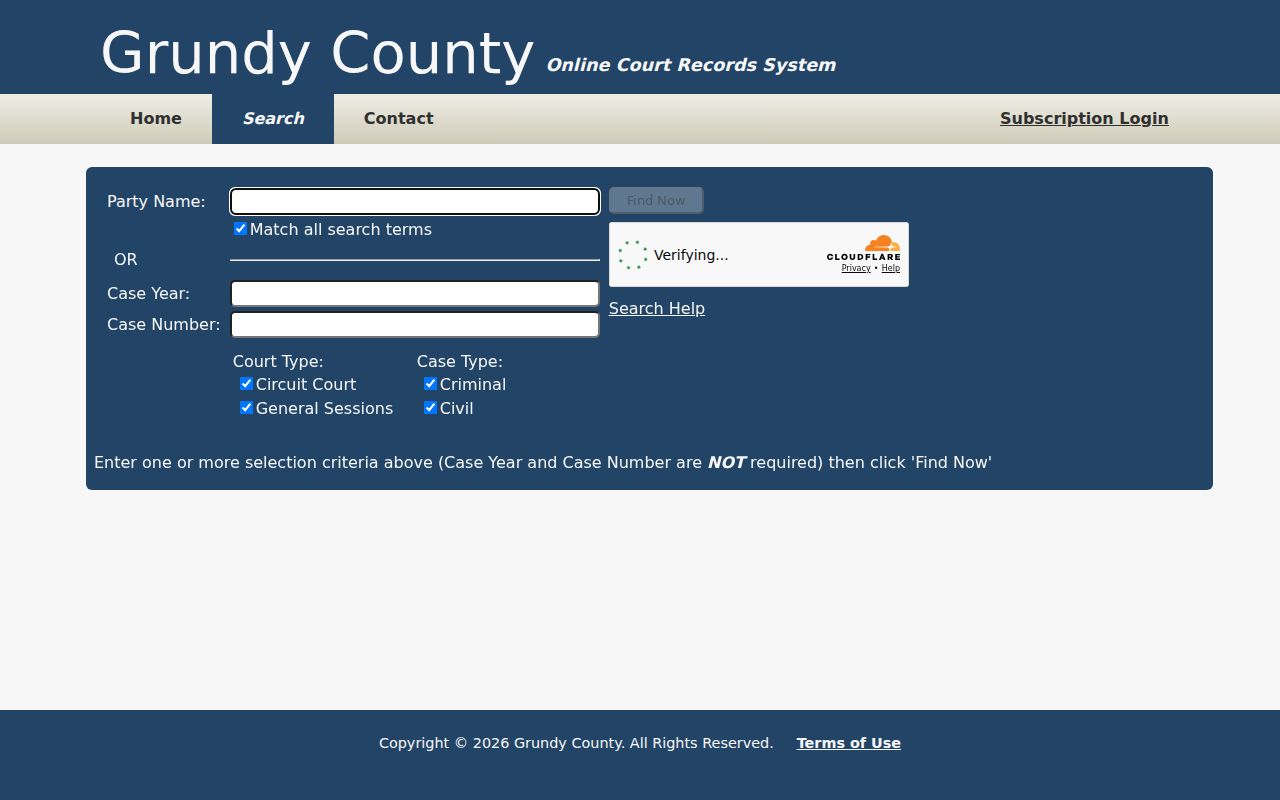
Public lookup and registered portal functions are distinct services.
What a Case Search Returns
Do not assume every detail screen shows a status, charge, judgment, image, or date. Note what is actually displayed and which court it belongs to. When the exact order or disposition matters, ask the clerk for a copy.
| Search identifiers | Name, old reference, original year, or final numeric case number. |
|---|---|
| Court scope | Circuit Court or General Sessions. |
| Case scope | Criminal or Civil. |
| Result status | A search aid subject to clerk confirmation. |
| Next step | Request the exact docket entry, filing, or certified copy. |
A result helps track dates, but it cannot prove every filing is public, scanned, current, or included.
Grundy Appellate Case History
A trial matter can resurface in the Court of Appeals, Court of Criminal Appeals, or Supreme Court. Tennessee Public Case History searches appellate records by appeal number, case style, party, or organization. It can list the trial court, milestones, counsel, dated events, and some PDFs. It is no substitute for a statewide trial search. Coverage depends on when the appellate record was filed. Documents arrive later than the basic history.
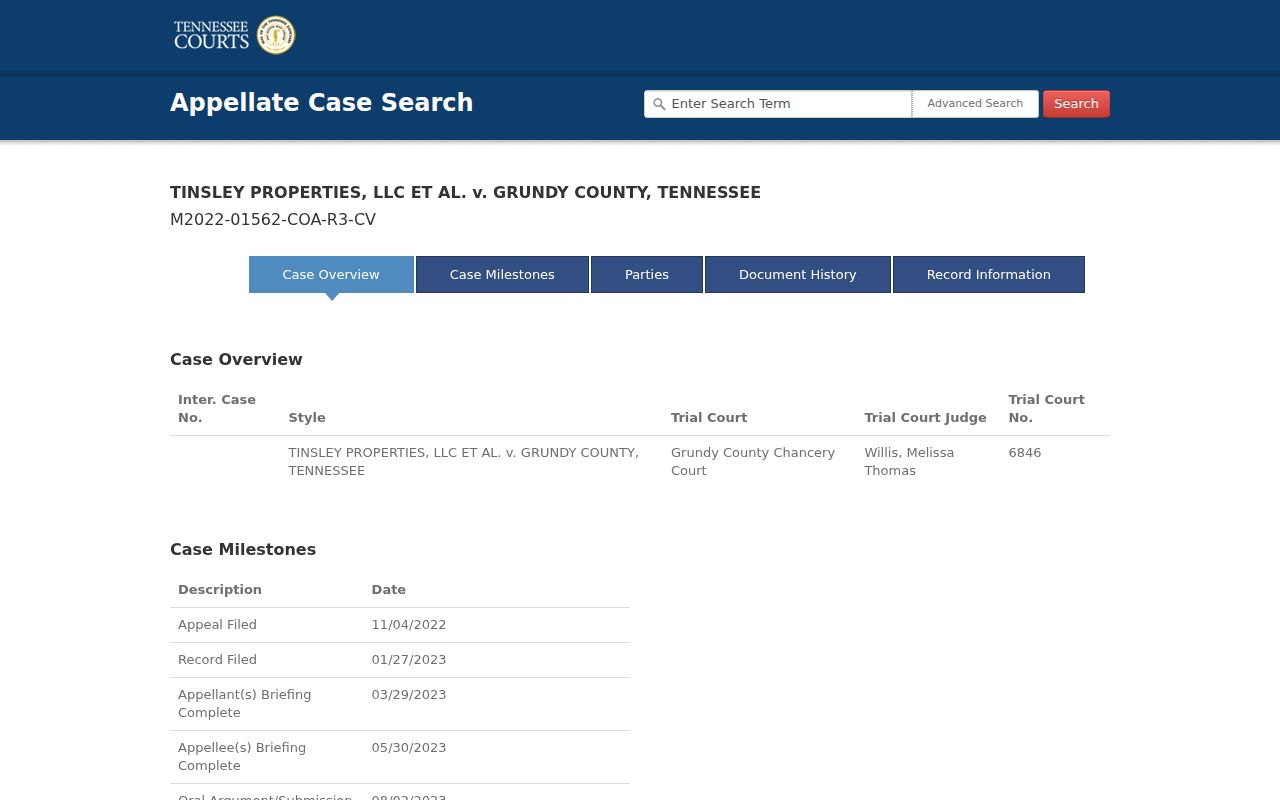
The appellate layout shows a different layer than the Grundy trial portal.
Statewide vs County Case Search
The Tennessee Court Records network offers an all-counties entry for participating offices, not a complete statewide trial docket. A known Grundy trial case belongs in the county search first. An appeal belongs in Public Case History. A federal case belongs in PACER.
| Route | Scope | Best use |
|---|---|---|
| Grundy portal | Circuit and General Sessions | Known local trial matter |
| All-counties entry | Participating offices | Uncertain participating county |
| Public Case History | State appeals | Appellate milestones |
| PACER | Federal courts | Federal matter |
The all-counties entry point shows the network layer.
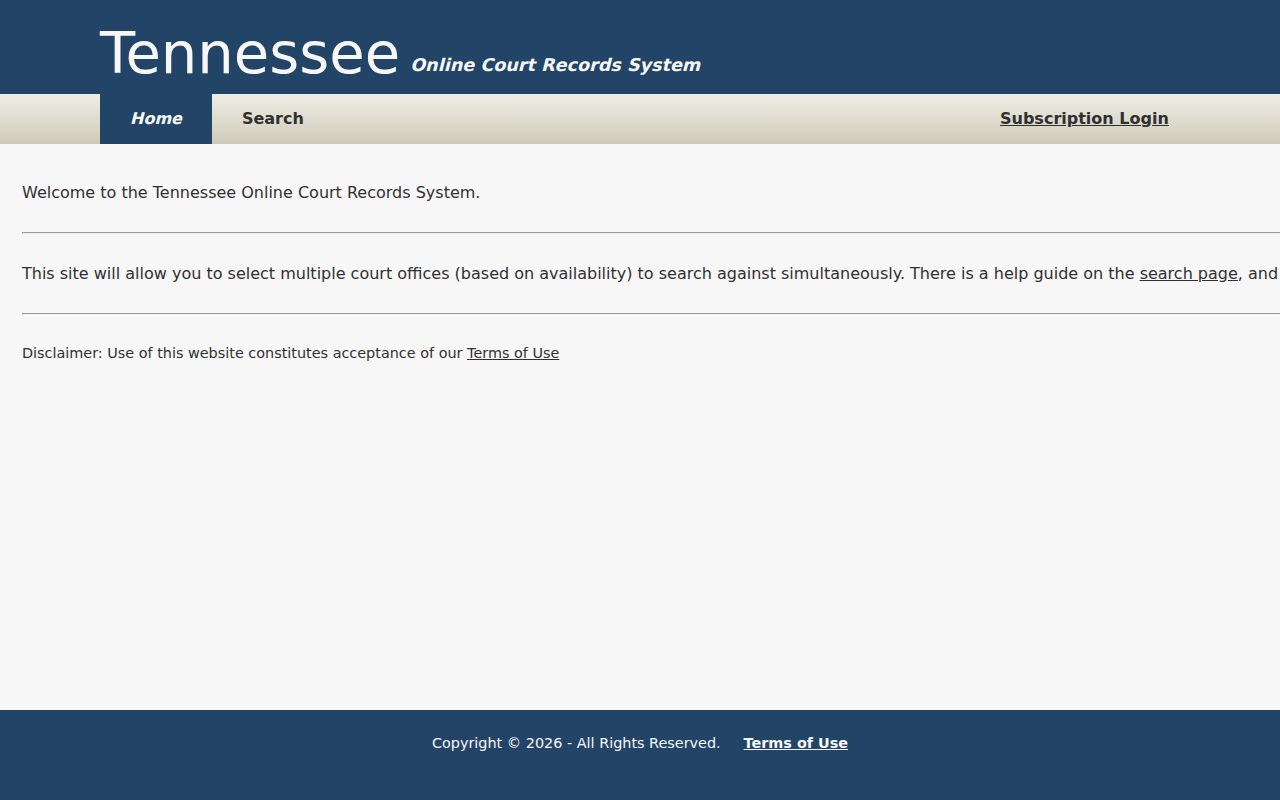
A broader doorway does not replace the participating court’s custodian.
Grundy Records Beyond Trial Search
Chancery, Probate, and tax suits go to Clerk and Master Megan Rollins at 68 Cumberland Street, Suite 200, Altamont, telephone 931-692-3455. Municipal matters start with the issuing city court. Federal matters use PACER and the federal clerk. The Tennessee Court Records network describes the participating county systems.
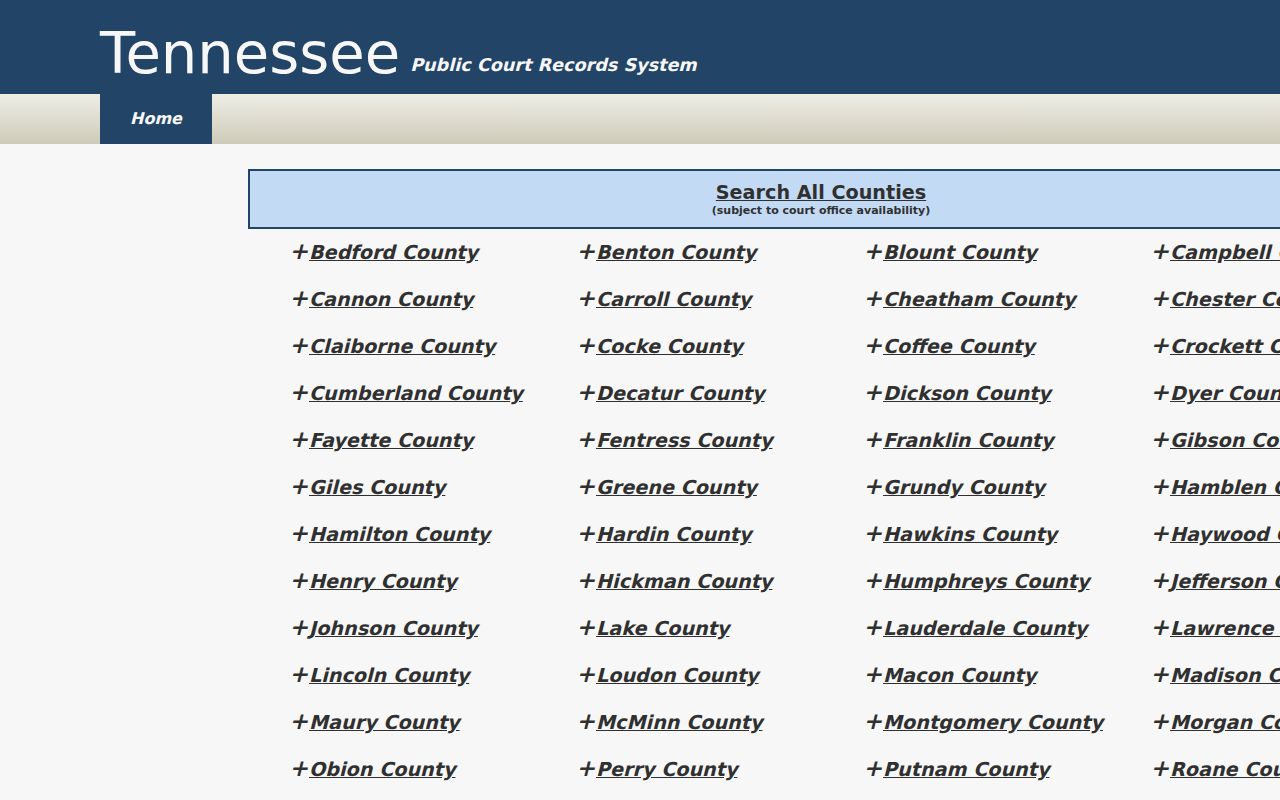
The network routes searches but does not certify the local file.
Access and Restricted Cases
Tennessee Supreme Court Rule 34 presumes access to public court records. It also recognizes sealed, protected, and confidential material. Juvenile files are not an ordinary public category, so a party or authorized representative should ask the Juvenile Clerk what proof is required. An empty result cannot show whether a file is sealed, expunged, unindexed, or held elsewhere.
Local e-filing rules call for shortened Social Security and account numbers. They want a birth year instead of a full date, and protection of minor names. Skip needless identifiers. The Tennessee Safety contact page runs through a separate agency.
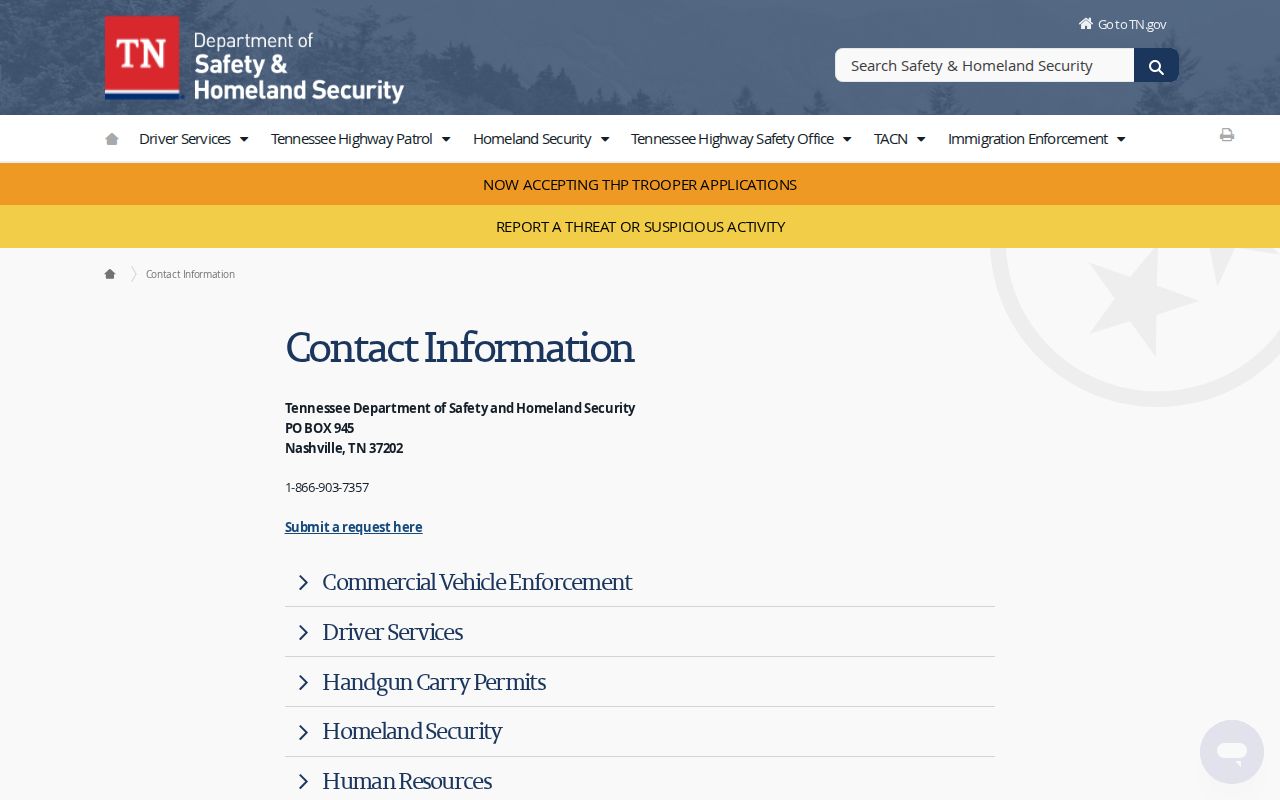
This separation keeps driver-services questions out of the court search.
When Grundy Searches Fail
Start by rechecking the basics of your Grundy County docket search. Court type, case type, and the original filing year all matter. So do the case number and the party name or reference you typed. Then call the clerk who holds that docket. Routing is simple once you know the division. Circuit, General Session, and Juvenile matters begin with the Circuit Court Clerk. Chancery and Probate dockets start with the Clerk and Master. City citations belong to the issuing city. Appeals run through Public Case History, and federal files through PACER.
A municipal case might sit with Monteagle, Tracy City, Altamont, or another city office instead. The county portal has no Municipal Court filter. Its Circuit and General Sessions options also skip Chancery calendars and Probate files. A federal case tied to a Grundy address may land in the Eastern District of Tennessee, though venue and assignment still decide. These splits cause many zero-result searches. Still, a zero result does not prove the record is missing.
Before you call, gather the details. Note the court, the case number, the party or style, the filing type, the date range, and whether you want a certified copy. Ask if you can inspect the record before paying for copies. When two official sources point to different places, trust the notice and call first. The Grundy County court records page walks through the request process. Always confirm dates, fees, and locations before you rely on them.
Documenting a Grundy Case Search
Keep a short log of each docket search before you call a clerk. Write down the spelling you entered and the court and case filters you picked. Note the filing year you tried and whether verification worked. If a notice shows both a full reference and a shorter number, save both. That log lets the clerk tell a query problem from a record that simply sits with another office.
Ask the clerk whether the file uses an older reference or moved between court levels. It may instead fall in a category left out of the public index. When you need one specific order, give the document title and an approximate filing date. For anything time-sensitive, trust the latest filed order over another broad name search. A direct clerk confirmation works too. Write down the date of that confirmation, so a later change can be traced.